Oct 17, 2022
After careful and lengthy deliberation, I have decided to take BuildAModule down for now. It's a tough call, but one that I believe will ultimately free me to pursue other endeavors more fully from here on out.
Please contact me if you need anything or have any questions.
Just a quick note that BuildAModule is a DBA (Doing Business As) for Implied By Design LLC., just in case you're here due to any unfinished business / payments / etc.
I have posted all 2200+ videos for free on the BuildAModule YouTube channel, organized by collection. I of course wish I could transpose the entire BuildAModule interface over (particularly the interactive transcripts), but for now I hope that this will at least give access to those who can still benefit from the library.
For those of you who have enjoyed BuildAModule, who supported it and learned with me year after year as I discovered what exactly I was trying to do, I would like to offer an explanation about how this decision came about and some of what I've learned along the way.
BuildAModule was originally conceived when Matt Petrowsky at ISO FileMaker Magazine reached out to me after watching a couple Drupal-module-tour videos I'd made and suggested that I could probably make a living making educational videos for Drupal. I had a hard time believing him, but something resonated and I started working in that direction. Matt gave me lots of mentorship and cheerleading when I was starting out. There was much doubt and uncertainty, and he gave me encouragement when I needed it. Thank you, my friend. We haven't talked for a while, but I still know I couldn't have done it without your support.
The reason I put so much work into BuildAModule was because I wanted to free myself from the constraints of hourly wages. My ultimate goal was to be as present of a father as I could be to my children, and to do that I needed enough money to feel secure being at home with them without working for pay. Hourly work could get me there eventually, but to not miss out on my kids' childhoods, I would need to accumulate resources much faster. Books like The 4-Hour Workweek gave me a sense of the power of products as opposed to hourly work, and by the time Matt reached out to me I was trying to figure out how to create them.
My first products were a few small collections of videos on how to build Drupal modules - thus the name BuildAModule. I charged a $49 one-time fee for access to all the videos. I didn't make my first sale for a while, but when I did start making sales, I was shocked that people actually enjoyed the amateur content. It was a good deepening in the lesson of not allowing imperfections to keep me from moving forward - a lesson all my most valued mentors have reiterated.
The process of creating videos was slow and arduous, but eventually I was increasing my library and watching sales go through in unpredictable waves. Often I was nervous that maybe I'd reached some saturation point and there wasn't really a market for what I was doing.
Interest grew, and requests were being made for videos on other subjects. I took a leap of faith and quit all my contracting work to focus on building a new version of BuildAModule, with content that covered more areas, and spent three months building it out. I released it with a subscription model, charging $29 / month, with a discount for 6- and 12-month memberships.
At the time I had one infant son (hi Haven!) and my partner and I had worked hard to reduce our expenses to a bare minimum. We needed about $3k a month to meet our expenses, and within a few months I was making that with BuildAModule subscription revenue. I feel very lucky that I reached that juncture as quickly as I did. I think it happened to be the right time, and I managed to connect with the right people to get the word out. I felt like I had a lot of help.
The next several years were centered around honing the process of creating content and presenting it in a way that felt responsible and compassionate. Video learning has its downsides, and I developed some systems to help address this. One innovation that proved valuable to lots of people was the interactive transcript - a column of text that scrolled down the side of the video as it played, and which could be clicked to jump to different parts of a video. There were many reasons to build this tool - accessibility for the hearing impaired, English-as-a-second-language learners, search engine indexing, and most importantly to me: being able to scan the content of a video quickly to reduce wasted time. It was a lot of work, but it was worth it.
At one point, Acquia reached out about a partnership to offer BuildAModule memberships to all of their subscribers. This partnership increased my income for a few years and helped me reach my financial goals much more quickly. It always felt like I was getting a better deal than they were, which nagged at my conscience, but I ultimately landed in a place of gratitude and a sense that they must have known what they were doing. There was some relief though when they decided to absolve the partnership and focus on their own training program. A deep thank you to the people at Acquia who made that partnership happen.
After learning about Khan Academy, I experimented with the idea of holding live courses where the videos would be used as the curriculum, freeing trainers to help students one-on-one the entire time. I called them Mentored Trainings. Beside the interactive transcript, this was the second most valuable innovation that arose from BuildAModule. It was effective for helping people learn at all levels and was also a pretty good promotional tool. I used the model for several paid trainings at DrupalCons and for free at smaller camps, and opened it up for people to use freely in their communities.
I mention these things because they represent a few aspects of my work I am most proud of. BuildAModule was the most complicated thing I've ever made or possibly will ever make. It took a tremendous amount of time and focus over the course of nearly a decade. It was in a lot of ways the main focus of my life. The intention was that it would free me to move onto a new phase of life eventually, but I still had to live in a world where BuildAModule was the most important thing for a long time. The innovations and successes were life-lines that kept me going, that made it feel like it was a thing worth doing, in and of itself.
I have made numerous spreadsheets over the years to represent my family's financial resources and to model what kind of resources would be needed to evoke the sense of security I needed to feel like I could let go of work-for-pay. When I discovered that I had reached that threshold, it started to become difficult to work on BuildAModule anymore.
I believe what was happening is that my internal system recognized that I no longer needed to work the way I had been, but I wasn't sure yet what would fill the space left behind if I did stop. I kept making videos, I kept working on the interface, but it just felt kind of miserable. Like eating when you're full.
Around 2017 I made the decision to stop working on BuildAModule. I committed to keeping it running, to patching things and adding updates, but I wouldn't be making new videos or interface improvements. It was a really hard decision, because now I had to just sit with myself and figure out what I was supposed to do next. You would have thought I could have jumped right into family life, but I was too wired for work to do that all at once.
I was pretty depressed for a while. It was hard. Nothing felt right. I tried to get out in the world, to make connections - connections I hadn't been making over the years of focus on work. I found that as a fellow in my late 30's, most of my peers were not actively seeking new connections. It was hard going finding local friends, but eventually I found one, then another, and another. It took a couple years to become embedded enough in various communities that I no longer felt isolated. I played racquetball (and got pretty good), joined a men's circle, did lots of exercise classes. The men's circle was the best place to connect with folks - I'd recommend regular circles like that for those in a similar transitional phase.
Eventually I started spending more time at home with my partner and my two boys. It was tough at first. I think through the pandemic a lot of people went through the process of learning how to cope with two partners sharing relatively equal space in the home, and I have a lot of empathy for them. It's hard for many reasons. Ultimately it was an important and humbling growing process. When covid hit, my partner and I already had a ton of practice sharing the home with our kiddos and it went much more smoothly than it did for many of our friends.
I discovered at some point that to be the father I really wanted to be meant that I had to do a lot of work on myself. Giving my children time has always been important, but it's more important to give them a good example of what it means to be a fully functioning human. It turns out that I've had a lot to work on. It would be difficult to go into details here, but it became clear that there were a lot of energetic holes to patch up in my internal system.
The last several years have been centered around healing and growth, finding the ways to reduce the suffering I cause in others and in myself. It's a balance, spending time with my family and not getting drawn into the healing work with the same gusto that drove my for-money work. Ultimately I think we've all found a balance.
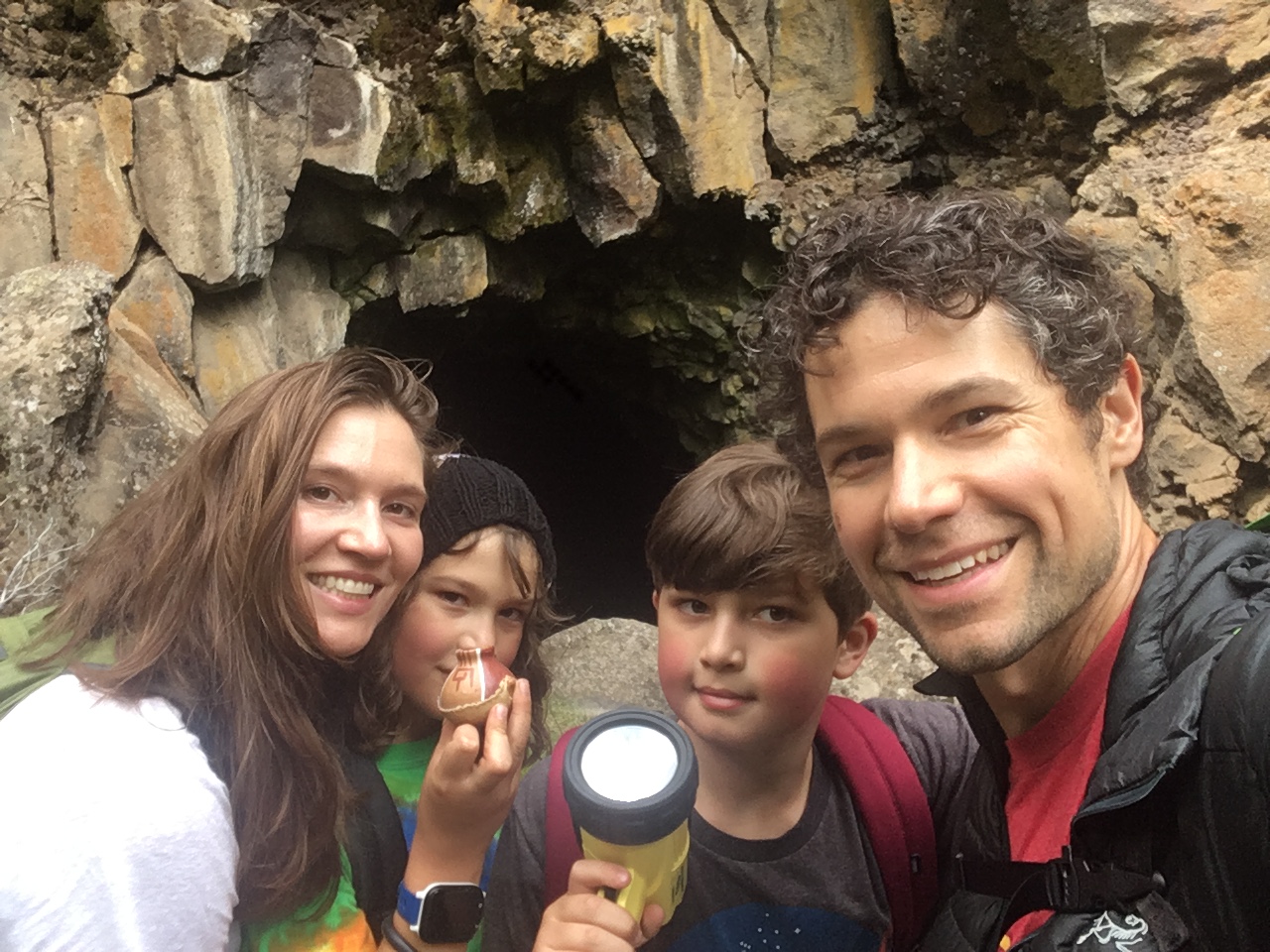
Last year we took our kids out of school and started unschooling - that is, experiencing the normal flow of life together as a family. It has made a huge difference in our relationships with each other. There's a lot more trust and a smoothness to our interactions. And it's been so lovely to really get to know our kids (hello, Lowen!) - something that was hard when they were off at school during their most productive hours.
I have learned how to work with different materials - stone, leather, fabric, soil, light - and have fixed or augmented many of the systems in our home - sinks, toilets, gutters, electric, cable, irrigation, etc. Our home feels like my training ground, my meditation, my practice. It is my favorite place, and it becomes more and more beautiful over time.
I am healthier and more capable than I've ever been. I move a lot, I've learned much about food and nutrition, I've learned how to rest. My relationships with others have become more rich as I've learned more about what it means to share this place with fellow humans.
If keeping BuildAModule going were as simple as just feeding a bit of money to a host, I would have kept feeding it. But it's more of a network of services, each requiring occasional updates in order to stay functional. There's the web host - which had amazing support when I first signed up, but has since been acquired by a hosting conglomerate that has the most abysmal support of any service I've ever paid for ever. There's the video host, which switched models several years into me using it for BuildAModule and who keeps my videos as a grace to their legacy users and who charge quite a bit for the privilege. There's the subscription service who updates their APIs periodically to keep up to date with security. There's YouTube, there's my hosted newsletter software, there's the whole system I created to splice, render and upload videos. There's Drupal itself, the version of which I'm using has long since not been supported, not to mention the modules.
BuildAModule is a deeply entangled ecosystem, full of amateur code and ideas, and to get in there and make even trivial changes requires that I load much of the system into my working memory, and I must be prepared to spend an unpredictable amount of time on each change. It's disruptive and creates unwelcome cognitive dissonance. Is this really what I should be doing right now? How important is this? Is it going to be worth the effort?
The tutorials on BuildAModule have stayed oddly relevant, even today, due to large organizations standardizing on older versions of Drupal. So, even though the membership base has dwindled as I stopped adding new content, it also has stayed relatively strong, especially for a product that hasn't been updated in over 5 years. So it's not an easy decision to cast BuildAModule aside. It still has earning potential, and it's still helpful to people.
I've thought about working out how to sell BuildAModule, but that's a tricky one. The value for an investor would likely be around leveraging the search engine juice of the thousands of content-rich pages. Or, adding the videos to an already saturated collection of video training. Or, trying to hire me through buying out my site. Or, someone doing their best to infuse the current site with their love and adding more relevant videos but who ends up frustrated at the labyrinth of pain that is the current architecture and code base.
None of these outcomes sound very dignified. It feels better to me to know that BuildAModule has had a good life, and that now it is time for the energy required to sustain its current carapace to be released back out, both for me and for the connections others have to it. Let's let Wistia relieve themselves of one of their legacy customers. Let's allow visitors from search engines to not spin their wheels trying to navigate BuildAModule to find out if it has any modern content. Sometimes the internet needs help cleaning itself up, and this feels like the right thing to do.
I have met some of my dearest friends as a result of BuildAModule. It was an honor to have something out there, representing so intimately my interests and capabilities and flaws, as a kind of beacon to like-minded folks. That's one of the beauties of working solo, is that you get full creative control over the things you make. BuildAModule was very much the shape of me, in the costume of video training. There is a part of me that sincerely grieves letting it go, of taking down the sign. How will people find me now?
If you made it this far, you are likely someone I had the opportunity to touch through this project. Oh man, it was so cool to have that opportunity! People sometimes attributed significant professional progress to these videos, which always felt good to hear. But, you guys met me halfway, at the least. There's no such thing as teaching, only learning and the people that point us in the right direction. I knew when someone told me that I had helped them that they were on the right track, because it meant they were open, that they were seeking new ways of doing things. Not everyone is like that! It's a special place to be. So if you found BuildAModule useful, just know that says something more significant about you than it does of me and this project. You're a learner! As a learner you will have lots of lovely teachers. If you remember this, if you remember me, I will be honored. Thank you, thank you, thank you.
I hope we cross paths again. This was a really beautiful ride that dropped me off at a really beautiful place. Maybe we'll get to hang out here together someday.